Your Privacy-First
Image Toolkit
A collection of 8 powerful, free online tools for image manipulation. Everything happens in your browser — your files never leave your device.
What is pixelb.in?
pixelb.in is a modern web application that brings professional-grade image processing tools directly to your browser. Built with Next.js and cutting-edge web technologies, it offers a complete suite for image manipulation without compromising your privacy.
Unlike traditional online tools that require uploading your files to remote servers, pixelb.in performs all processing locally using WebAssembly and HTML5 Canvas. This means your images are never transmitted over the internet — they never leave your device.
Whether you're a web developer optimizing assets, a designer preparing visuals, a marketer creating social media content, or just someone who needs to resize a photo — pixelb.in has the tools you need, completely free and without registration.
How It Works
Choose a Tool
Select from 8 specialized tools for editing, conversion, or generation. Each tool is optimized for specific tasks.
Upload Your Image
Drag and drop or click to select your file. The image is loaded into your browser — never uploaded to any server.
Download Result
Process instantly and download your file. All operations happen locally using your device's processing power.
Our Tools
Eight powerful tools organized into three categories: Editing, Conversion, and Generation.
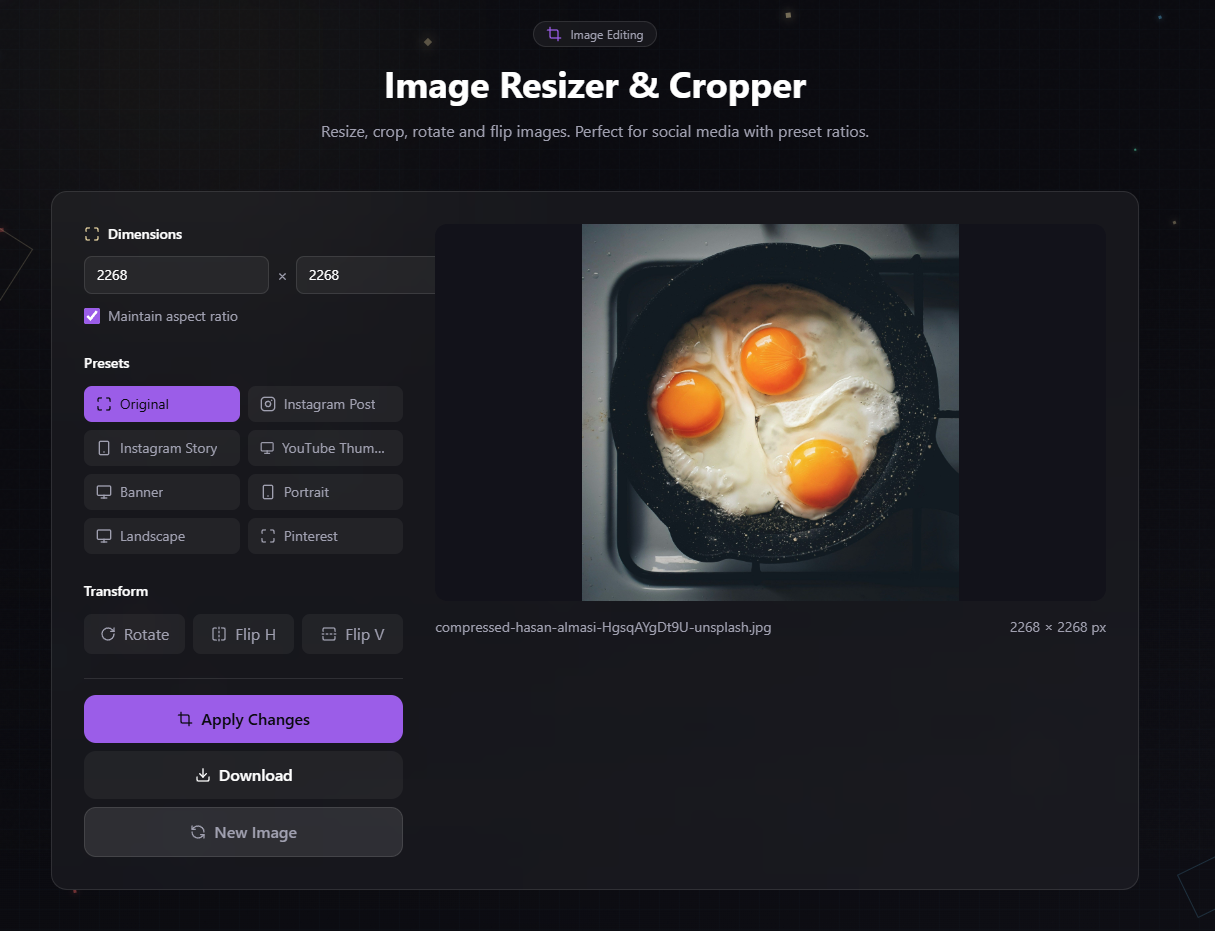
Image Resizer
Resize, crop, rotate and flip images with preset ratios for Instagram, Stories, YouTube thumbnails, and more.
- 8 preset ratios
- Custom dimensions
- Rotate & flip
- Social media ready
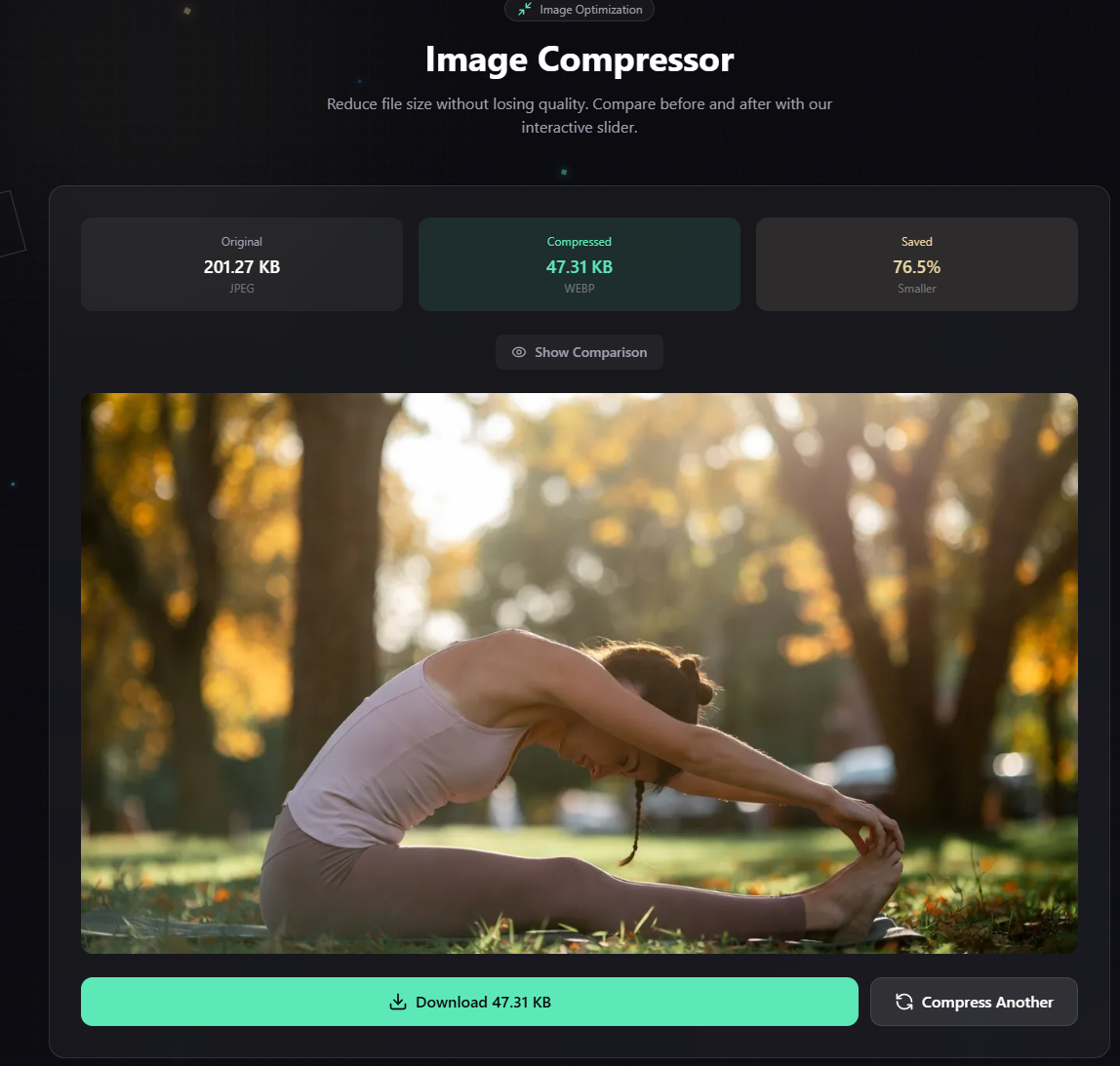
Image Compressor
Reduce file size without visible quality loss. Interactive before/after slider helps you find the perfect balance.
- Quality control 10-95%
- Real-time preview
- Multiple formats
- Size comparison
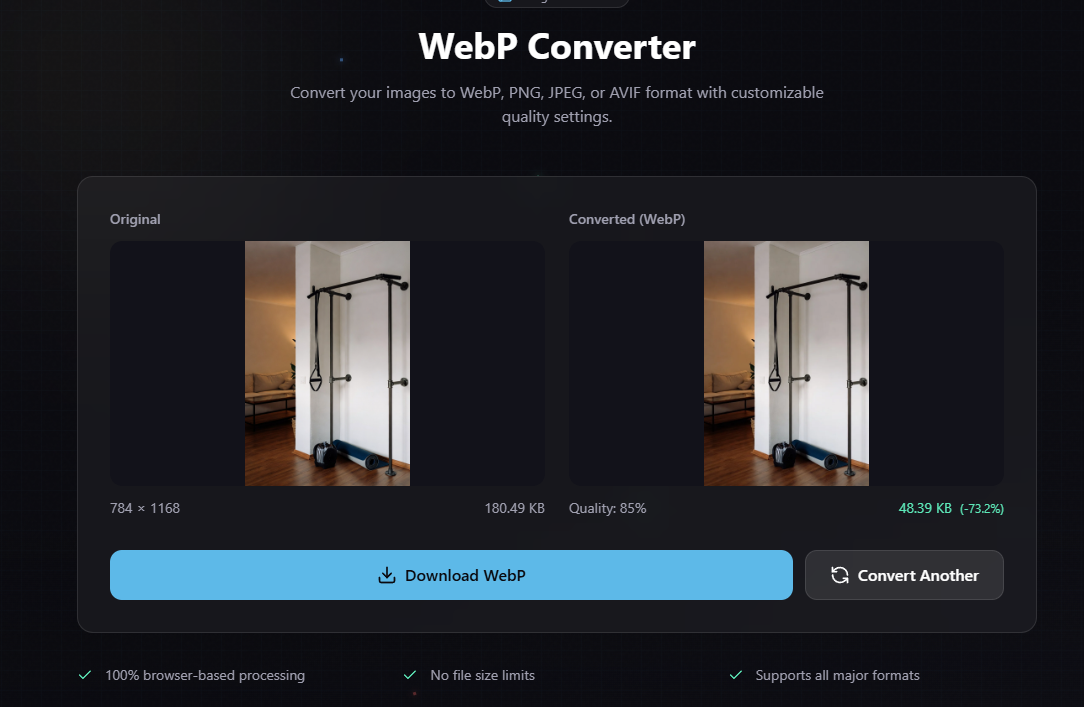
WebP Converter
Convert between WebP, PNG, JPEG, and AVIF formats. WebP offers 25-35% smaller files than JPEG.
- 4 formats supported
- Quality control
- Batch ready
- Modern compression
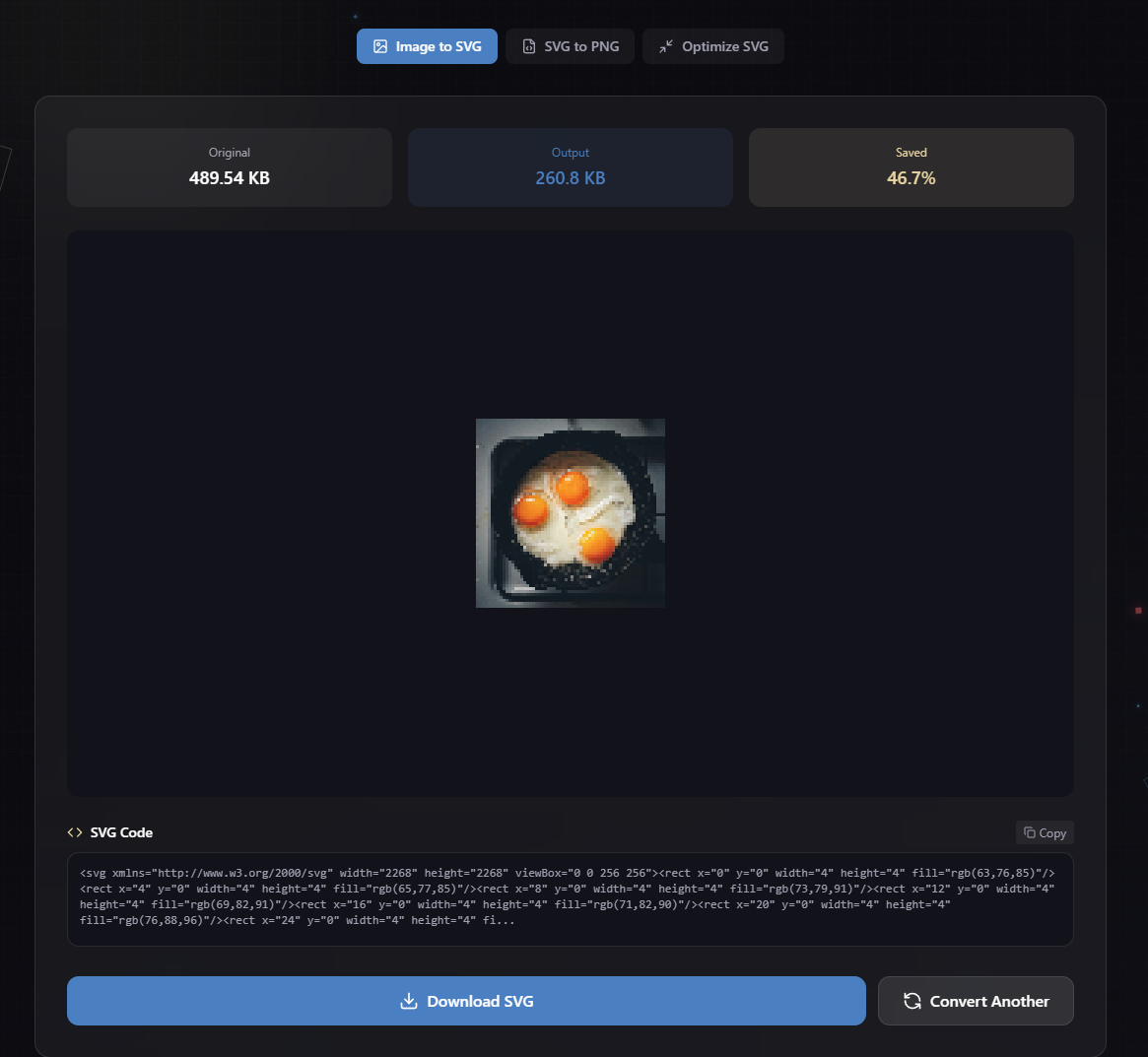
SVG Converter
Vectorize raster images or optimize existing SVG files. Perfect for logos and scalable graphics.
- PNG/JPG to SVG
- SVG optimization
- Code preview
- Scalable output
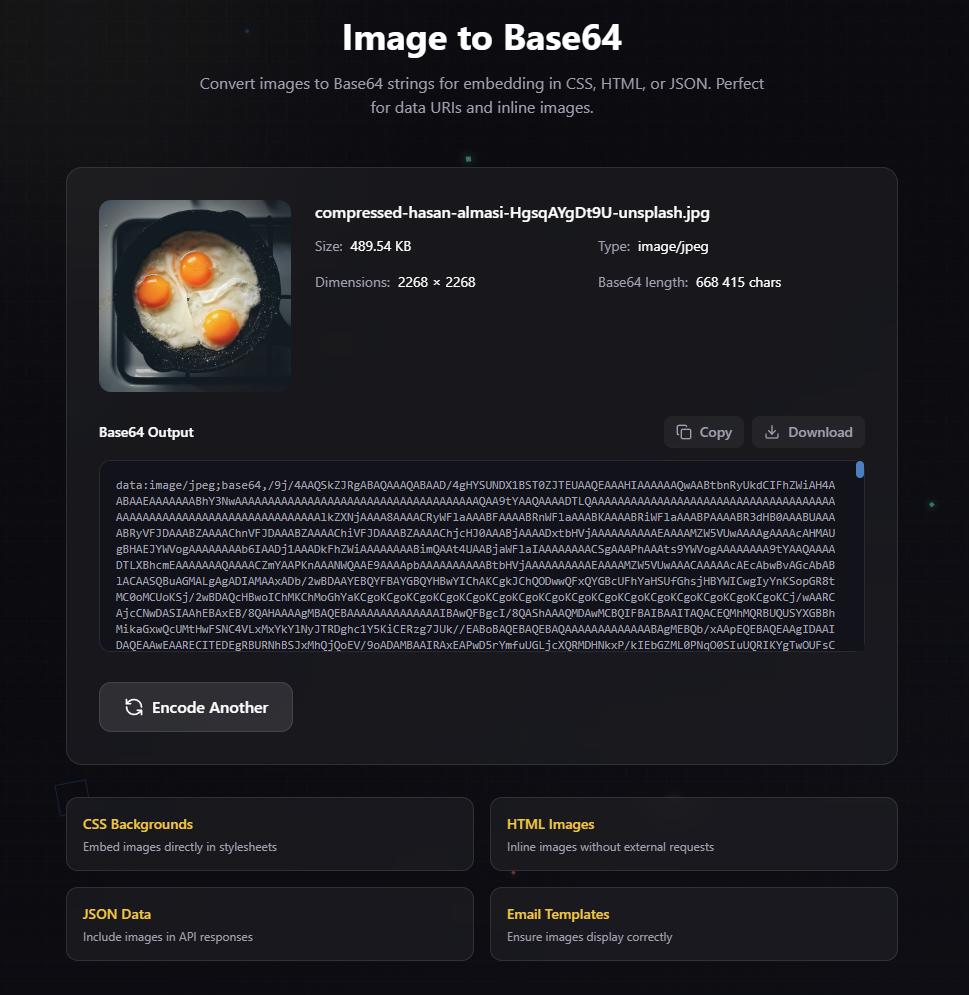
Base64 Encoder
Convert images to Base64 strings for embedding directly in CSS, HTML, or JSON files.
- Data URI format
- CSS embedding
- HTML inline
- JSON compatible
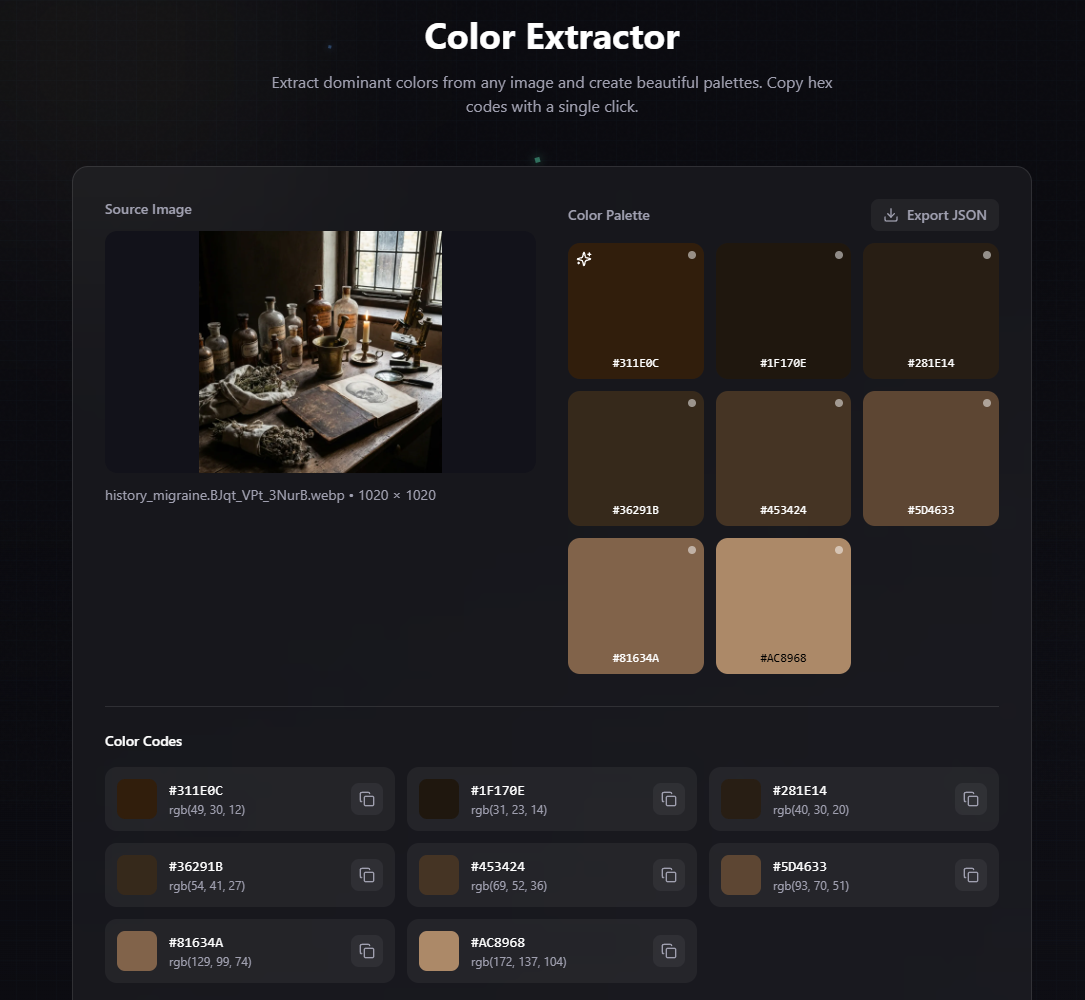
Color Extractor
Extract dominant colors and create beautiful palettes. Get HEX and RGB codes instantly.
- 3-12 colors
- HEX & RGB codes
- JSON export
- Vibrant mode
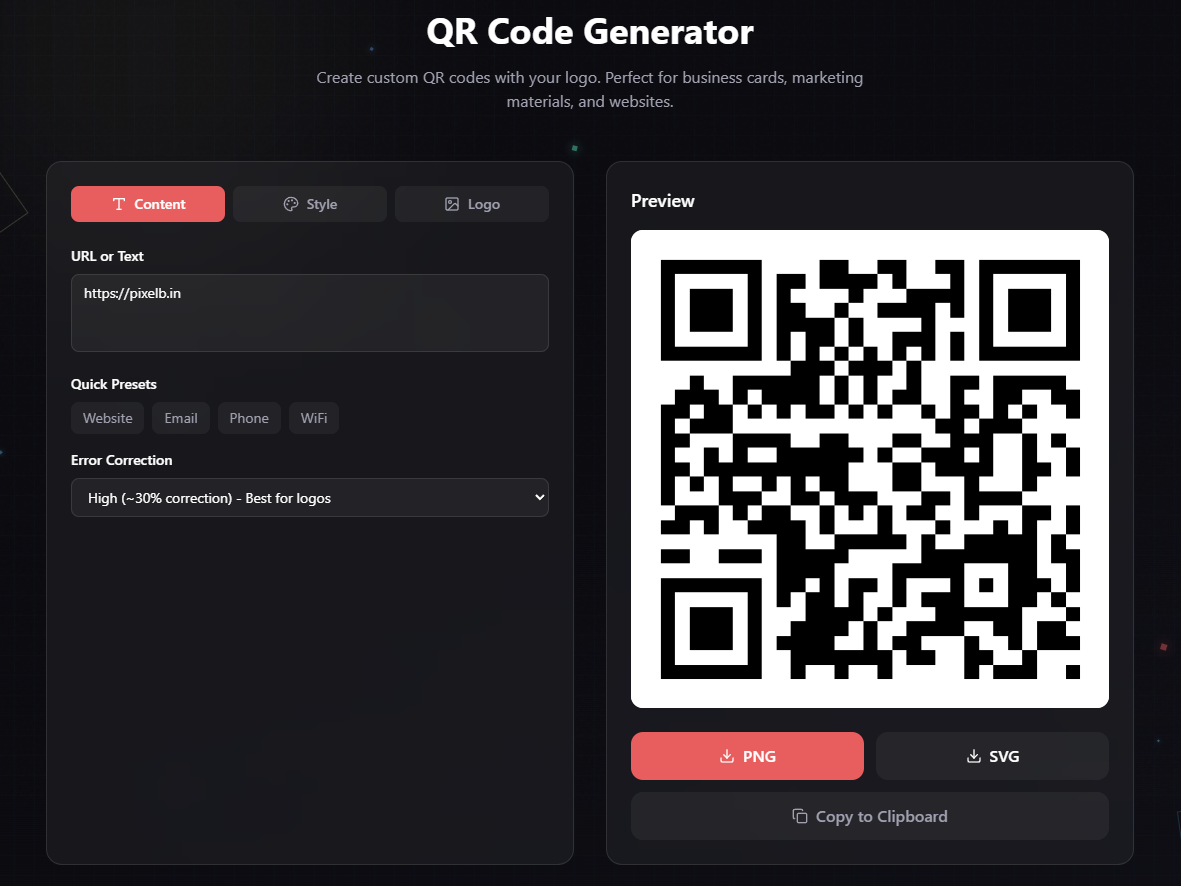
QR Generator
Generate custom QR codes with your logo in the center. Perfect for business cards and marketing.
- Logo overlay
- Color customization
- PNG/SVG export
- WiFi/vCard presets
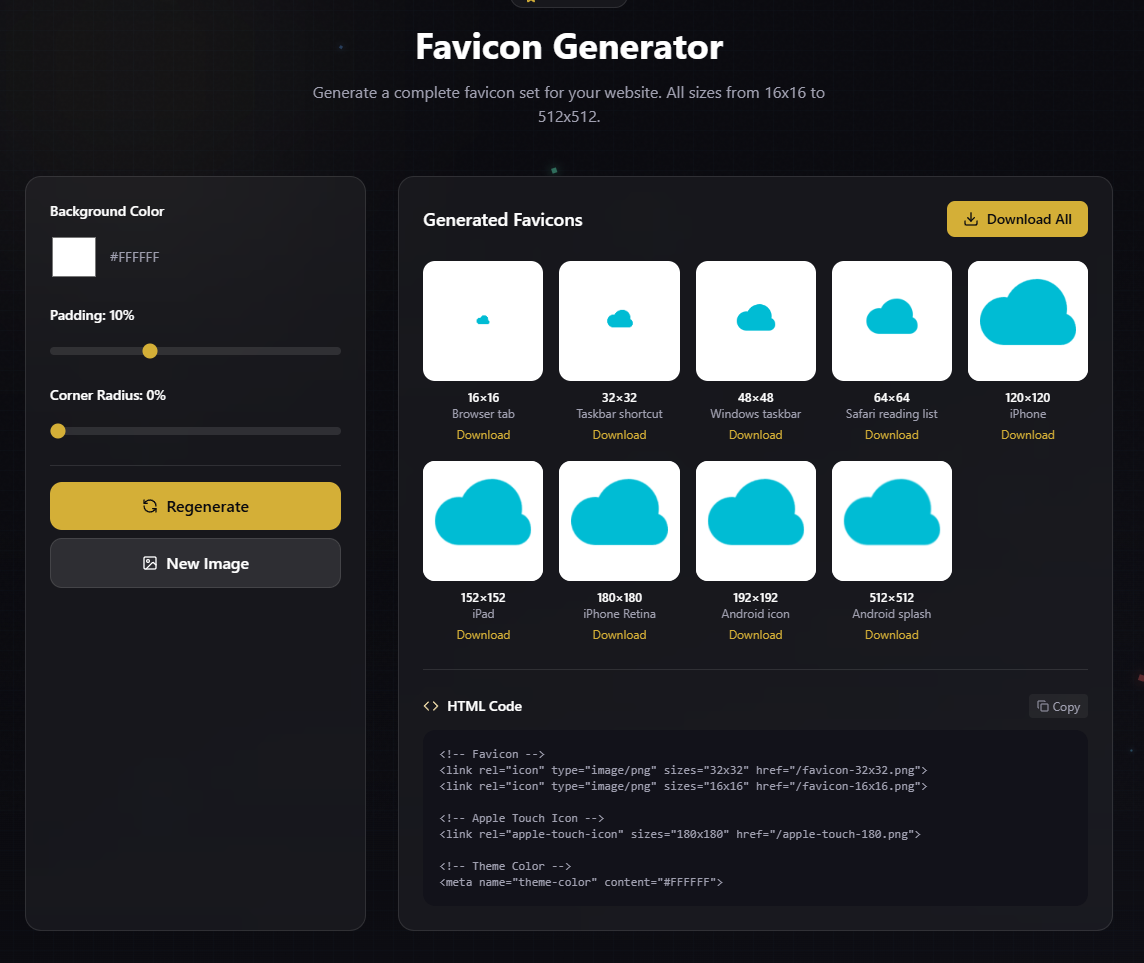
Favicon Generator
Generate complete favicon sets for your website. All sizes from 16x16 to 512x512.
- 9 icon sizes
- Apple Touch icons
- Android icons
- HTML snippet
Why Choose pixelb.in?
| Feature | Other Tools | pixelb.in |
|---|---|---|
| File Uploads | Required | None (browser-based) |
| Privacy | Data stored on servers | 100% private |
| Registration | Often required | Not needed |
| Speed | Depends on connection | Instant (local) |
| Cost | Freemium / Limited | Completely free |
| File Size Limit | 5-10MB typical | None (browser memory) |
Built with Modern Tech
pixelb.in leverages the latest web technologies to deliver desktop-class image processing directly in your browser.
WebAssembly
Near-native performance for image processing algorithms
HTML5 Canvas
High-performance pixel manipulation and rendering
Client-Side Only
FileReader API for local file access without uploads
Perfect For
Web Developers
Optimize assets, convert formats, generate favicons
Designers
Extract palettes, resize mockups, compress portfolios
Marketers
Create QR codes, resize for social media, optimize images
Photographers
Batch resize, compress for web, convert formats
Frequently Asked Questions
Is pixelb.in really free?
Yes, all tools are completely free to use. No hidden fees, no subscriptions, no usage limits. We believe powerful tools should be accessible to everyone.
How is my privacy protected?
All processing happens in your browser. Your images are never uploaded to our servers. We use FileReader API to access files locally and process them using WebAssembly and Canvas.
What file formats are supported?
We support JPG, PNG, WebP, AVIF, GIF, SVG, and ICO formats. Each tool shows supported formats in the upload area.
Is there a file size limit?
There is no artificial limit. The maximum file size depends on your device's available memory. Most modern devices can handle images up to 50-100MB.
Can I use this commercially?
Absolutely. You retain full rights to your images. We don't claim any ownership or add watermarks. Use the processed images however you like.
Do you store my images?
Never. Your files never leave your browser. Once you close the tab, all data is automatically cleared. We have no way to access your images.
Ready to try it?
Start using our free tools today. No signup required — just pick a tool and go.