
Free tools to resize and convert images
Pixelb.in is a free set of image tools that run in your browser. Open a photo to resize it or save it as WebP. You can also pick colors from artwork or turn a logo into a favicon.
How big should a website photo be?
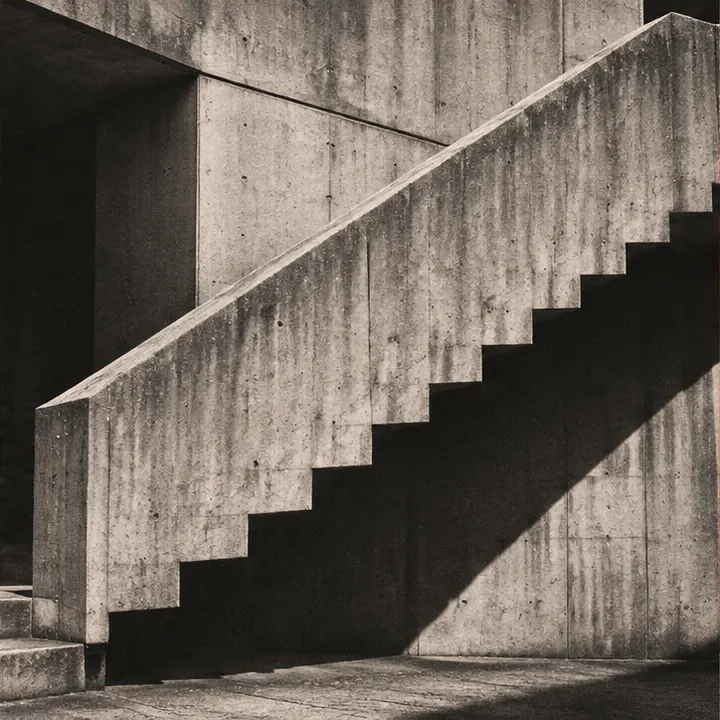
Start with the width it fills on the page. We tried a 100 KB limit on the 720 px staircase print in Chrome. The 320 px WebP weighed 29.8 KB, the 480 px copy 70.3 KB and the 640 px copy 99.2 KB. The original was only 76.5 KB, so we'd keep it for the article and use the smallest copy for a thumbnail. Try the same export or see how to choose widths for your layout.
How do I resize a photo without stretching it?
For a 640 × 360 px thumbnail, open the image resizer and unlink the dimensions. Fit keeps the whole square photo with transparent margins. Crop fills the frame. Move the crop up or down to keep your subject in view.
Can I use the artwork on the table?
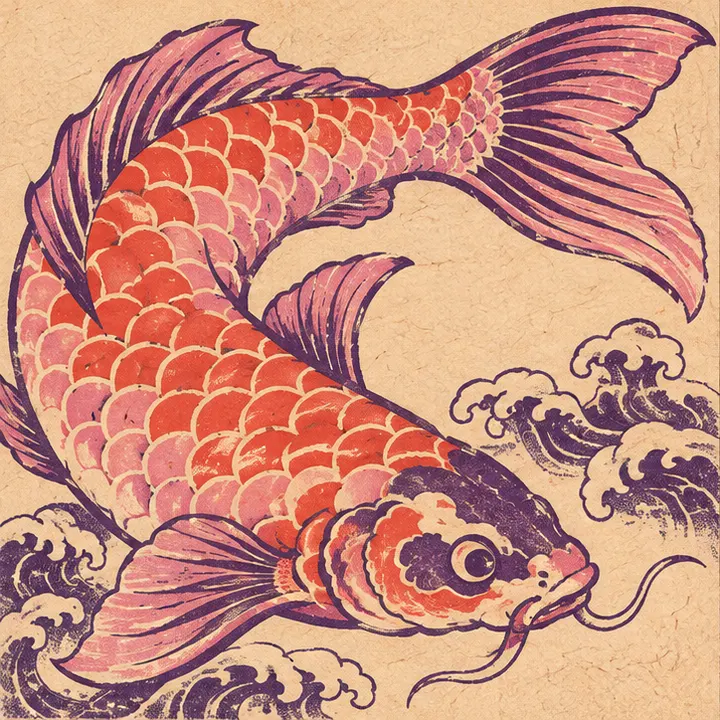
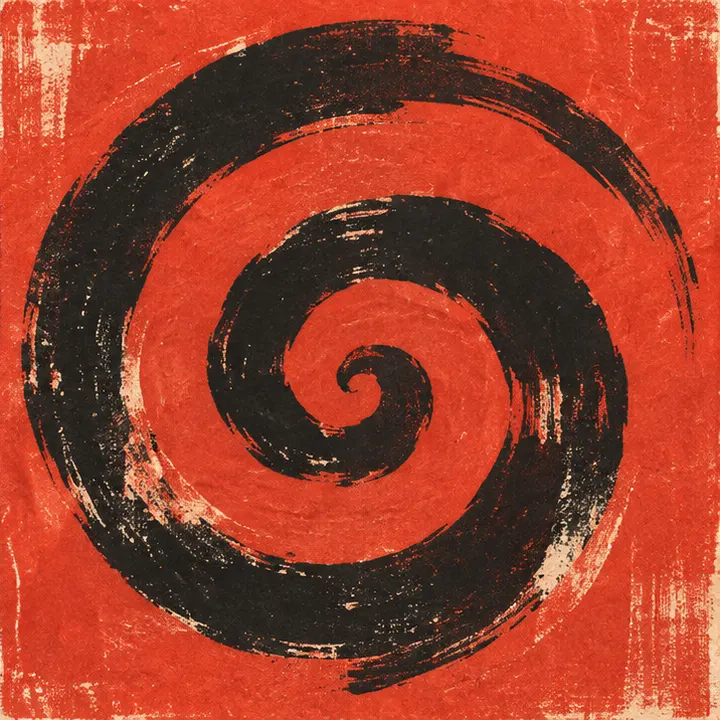
Sample the carp print to copy a HEX color, or open the spiral to see how much detail survives in a 16 px browser icon.
Frequently asked questions
Can I try a tool before opening my own image?
Yes. Choose the carp, stairs or spiral on the worktable to open that example. You can switch to your own artwork in the tool.
Where do my photos go?
Your browser reads the file on your device. Download a copy to keep your edit. The original stays where you saved it.
Should I resize or compress an image to make it smaller?
Check its pixel dimensions first. Resize a large photo if you only need a thumbnail. If the dimensions already match your layout, try a lower export quality in the image compressor and compare the file sizes.
What happens if a WebP file exceeds my KB limit?
The responsive WebP generator labels that width "Over budget" and shows the actual file size. Try a narrower width or raise the limit if you need to keep the detail.